
Spirit Sunder
Devlog #2 - UI Graphics, Chests & Status Effects
Annnnd.... 2 weeks (3 weeks for non-patrons) have already passed and we are back with another devlog! This time we bring a shorter one, as promised, since the progress we're going to show off is from the last 2 weeks instead of almost 2 whole months!
In this devlog we're going to show our work regarding our new UI graphics, new chests systems we have implemented and also a new Status Effect system to apply debuffs to enemies along with a few other little adjustments and improvements we've made!
So, let's see what we've been cooking:
UI Graphics and Improvements
This is the highlight of this devlog episode. We've heard the feedback from last devlog and we noticed that the UI, even though it was working, looked really boring as most of it were just simple Unity placeholders.
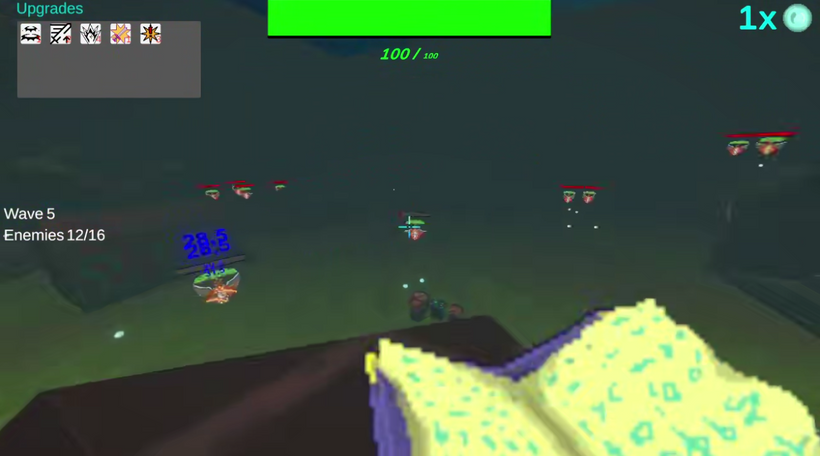
We made this a priority for these last 2 weeks since the UI is one the elements that are more visible to the player (it's everywhere). The placeholders were not doing the game any favors and was off-putting for the player...
These is what we've done for the UI:
New UI Font
We've added a new font for all the text in the game. We tried to find the best font possible that fits with the vibe of our game and we are pretty happy with what we got:
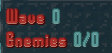
We basically imported the font and adjusted the materials to our liking, adding dropshadows, lighting and outlines with different settings to make the text look 3D in some cases, which I think looks pretty neat!
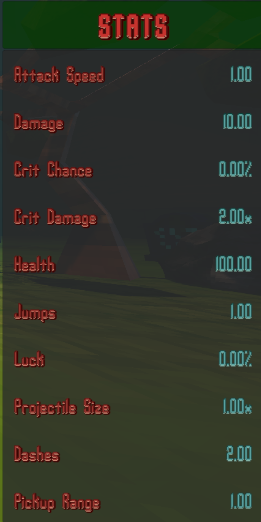
To achieve this, we made all the text in the game use TextMeshPro (TMP) which is essentially an improved text rendering pipeline in Unity over the old and boring built-in one. It uses a system called Signed Distance Field (SDF) which allows us to do everything you saw above like making 3D text with consistent sharp quality at any resolution and scale. It also allows us to create material presets with textures and other different settings that can all be adjusted in real-time during gameplay.
And a Bunch of Other Additions
Improved HUD
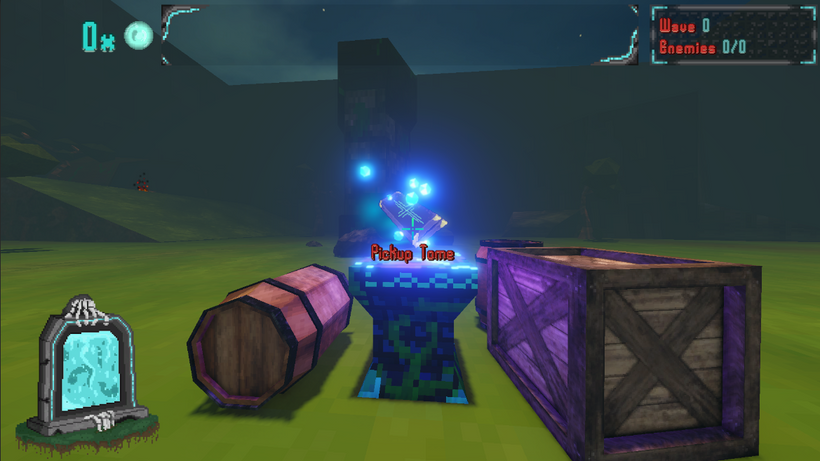
Now the player HUD looks a lot more interesting and unique with stylized health bar, upgrades window and wave info window:
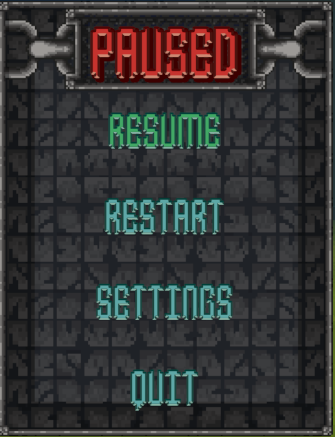
New Pause Menu
The pause menu also has a new look:
Better Settings Menu
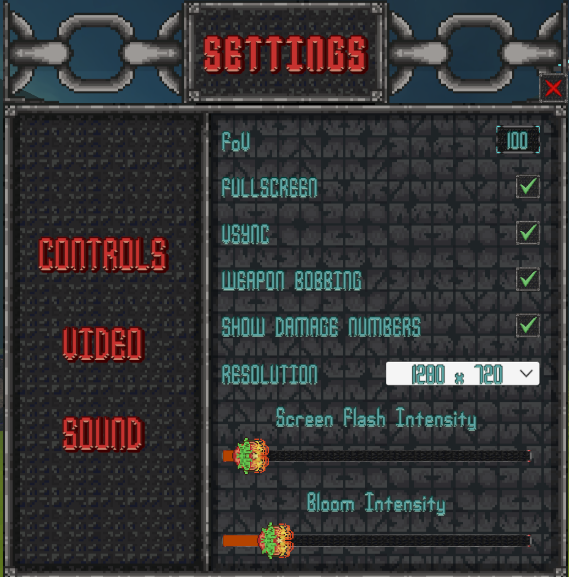
The settings menu has a more organized layout and new graphics as well!
More Player Settings
A lot of us loooove damage numbers (number go up < player strongah) but we also know that a lot of you hate them since it can clutter the gameplay visuals and distract some of you, so we added an option to toggle damage numbers off or on. Annnnd while we were at it, we also decided to add options for weapon bobbing and VSync:
Other Small UI Improvements
We've also done a few other little fixes, optimizations and improvements to the UI that includes:
- Fixing a bug where the settings were not getting initialized at the start of the game - this lead to some inconsistencies (for example, the game being on fullscreen while the setting was off or vice-versa);
- Cleaning up the Stats UI code - previously, the stats info was being updated every frame and now we made it so it only updates when necessary;
- Adjusting the Stats Window position and animation - this was previously overlapping some other HUD elements;
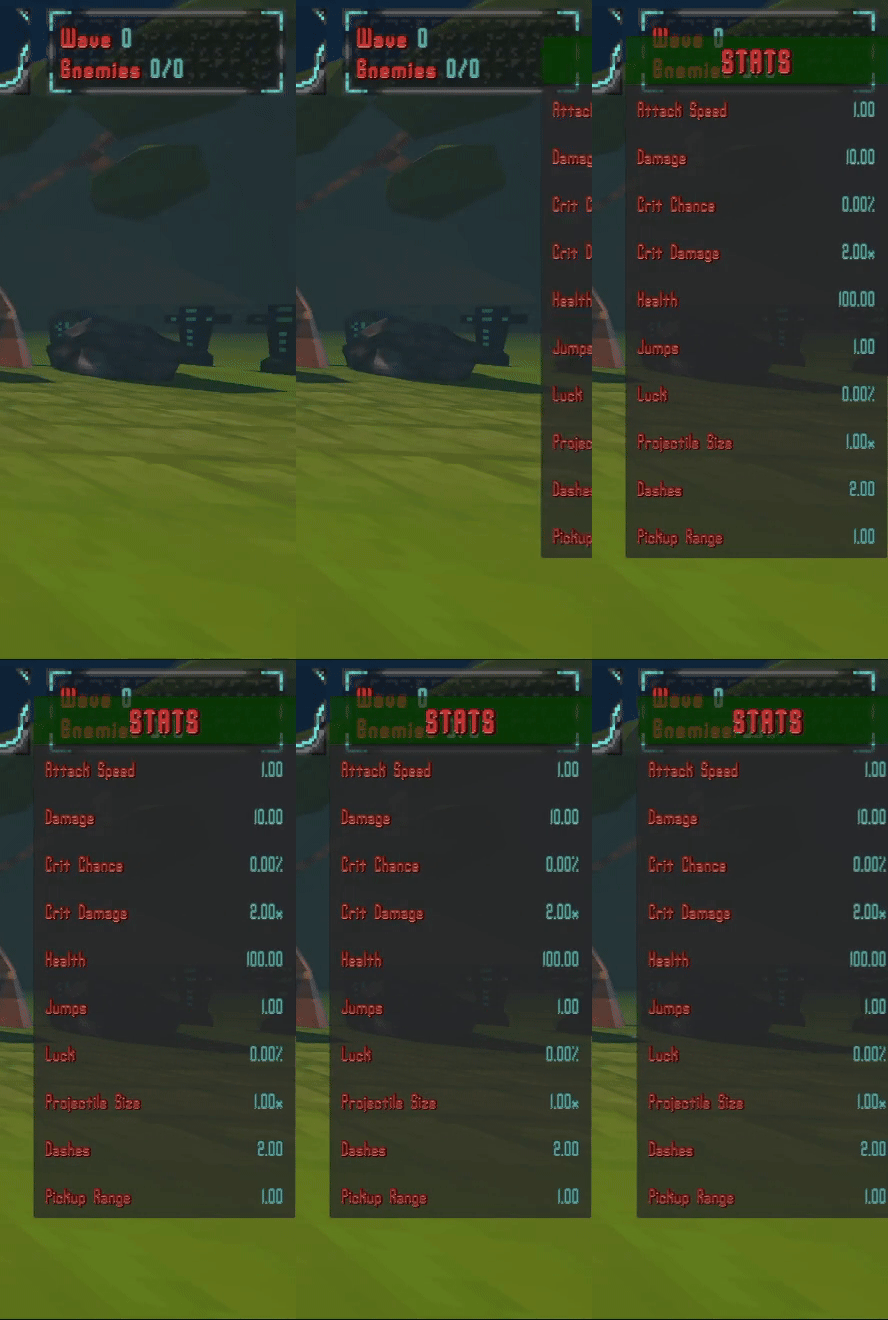
Old UI overlapping with other elements 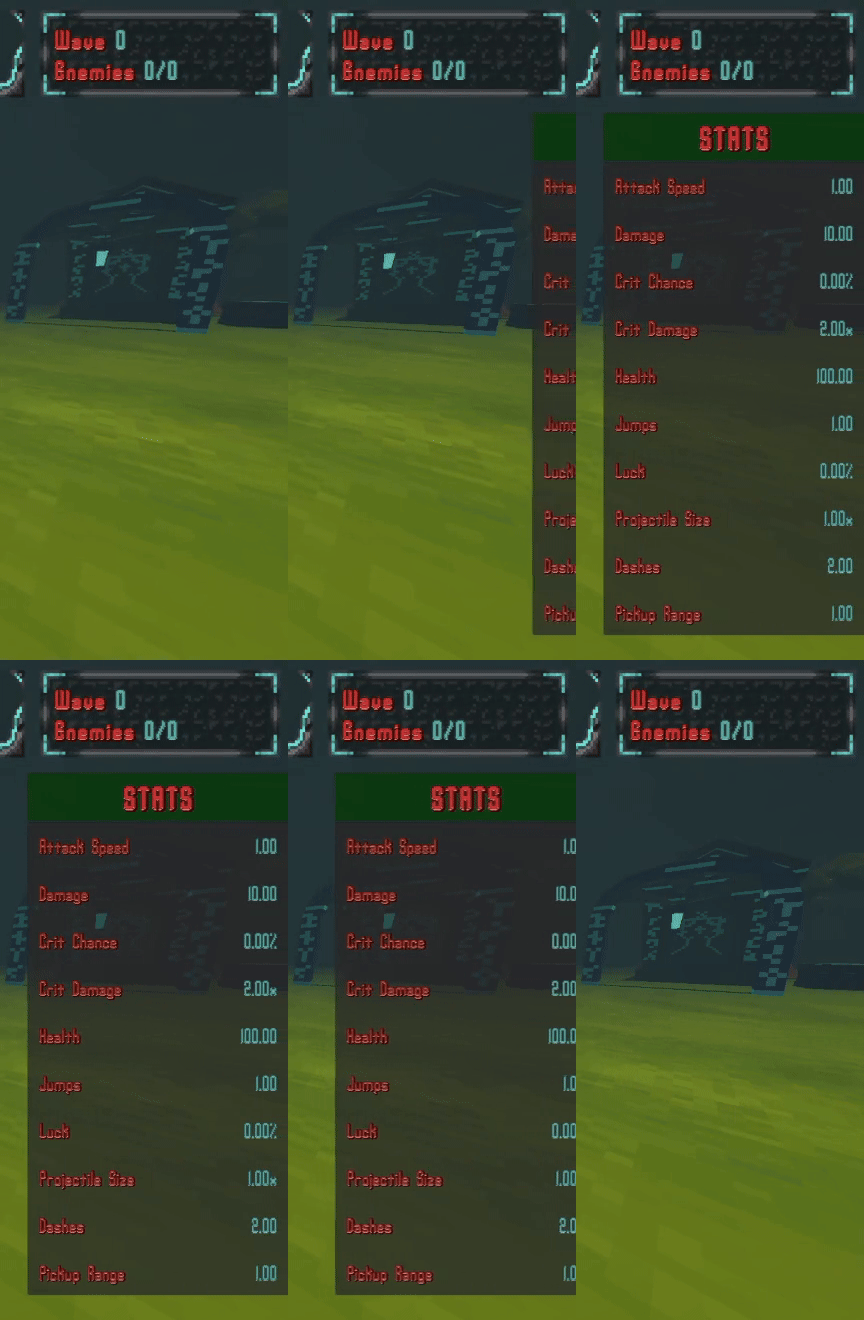
Adjusted Stats UI no longer overlapping - Adjusting UI canvas scaling and UI anchors - this was made so it works with different resolutions without messing up the UI like before;
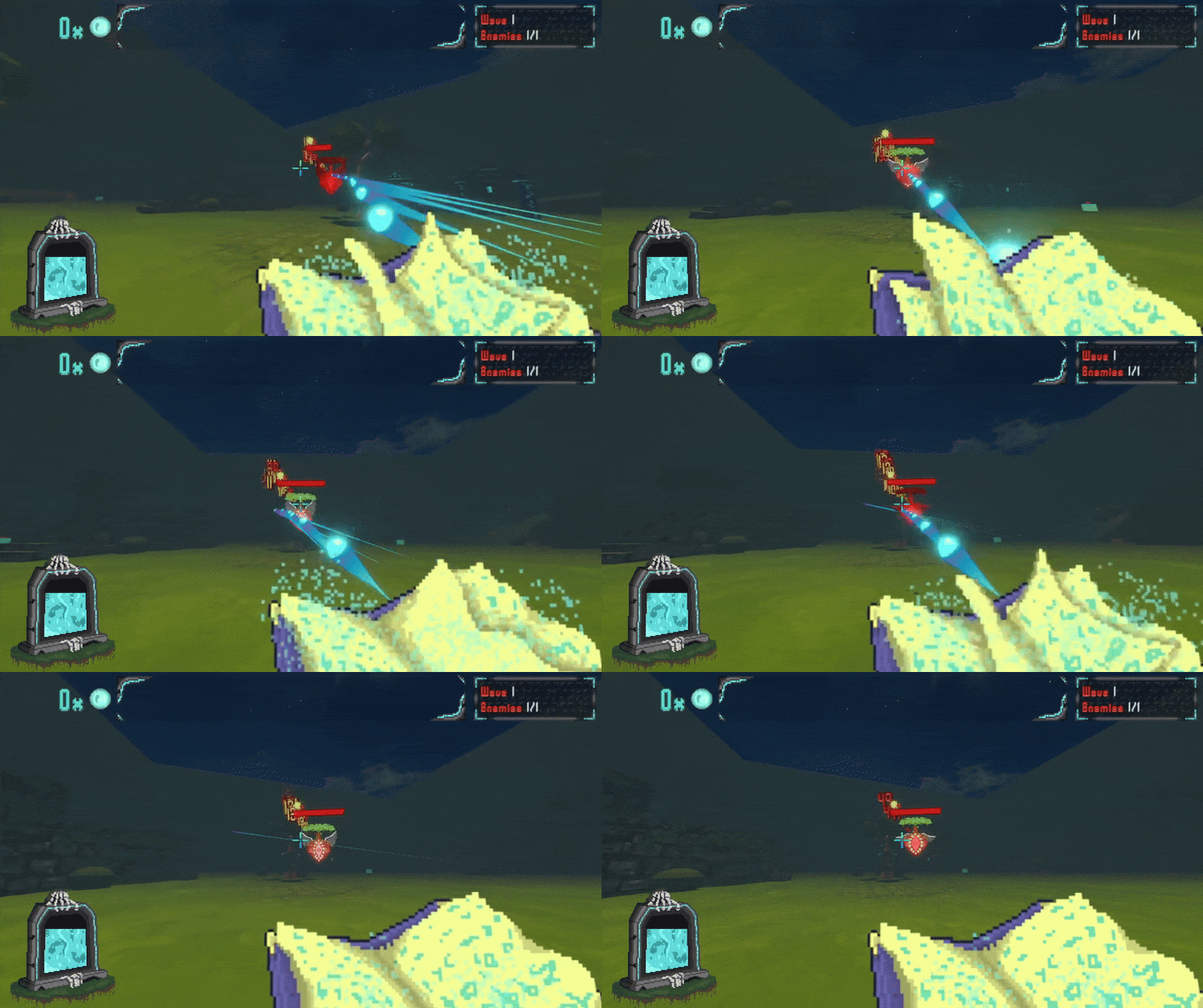
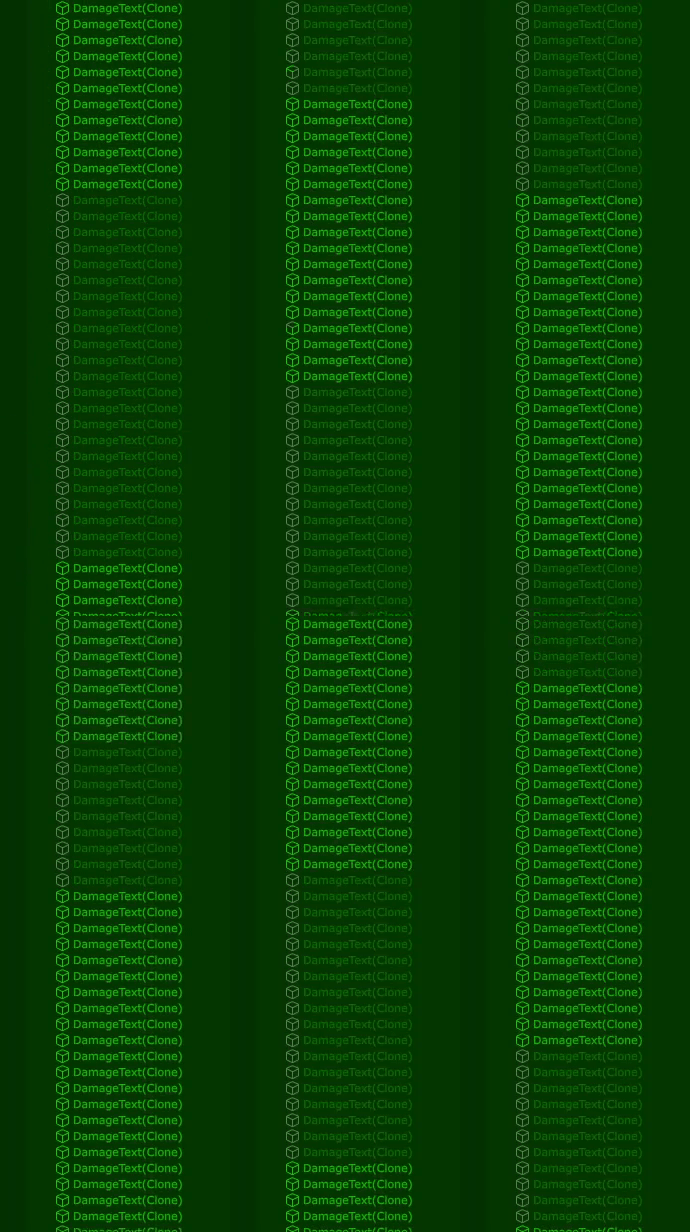
- Optimizing damage numbers popups - in addition to using TextMeshPro for the numbers font, we updated the numbers to be a mesh instead of a regular UI element so we avoid using multiple canvases which can hurt performance when there's too many of them;
- Integrating object pooling to the damage numbers - this allows the game to spam hundreds of numbers per second without stuttering using the technique we talked about in the last devlog;
- Adjusting wave start UI text - previously, this text was on top of other UI menus like the pause menu and settings menu which sometimes blocked some buttons and vision. This was because this text had priority over other UI elements, so we just changed the sorting order to have less priority than other elements;
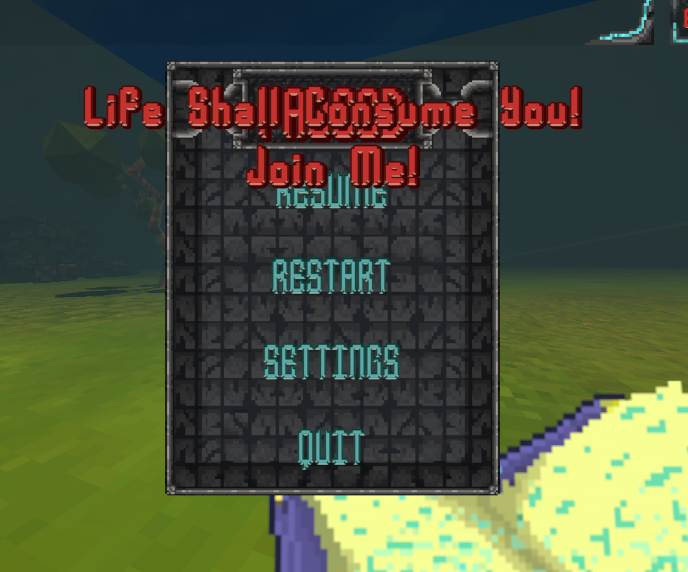
Wave UI overlapping Pause Menu 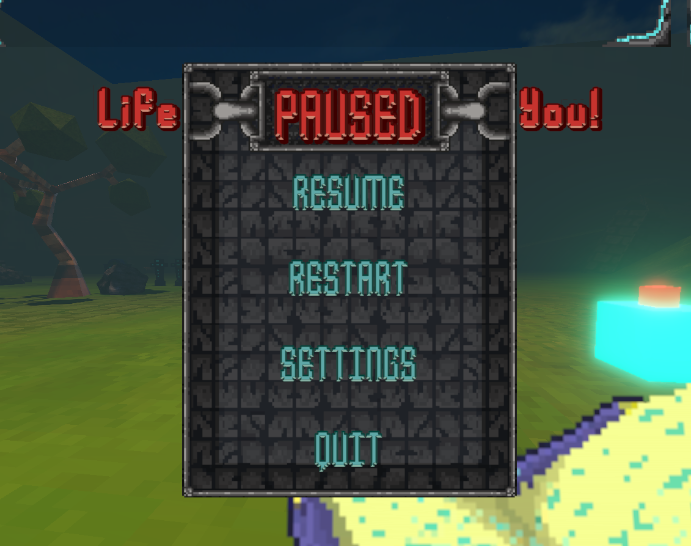
Adjusted Wave UI behind Pause Menu - And finally, we also did some general UI code cleaning and refactoring.
Chests and Loot
That's right we added chests (visuals are clearly just placeholders) that you can open to acquire some loot. This is a part of a bigger rework we are working on that includes other mechanics which are still not implemented. We won't spoil you yet with what it is but we can say it is related to how game progression works.
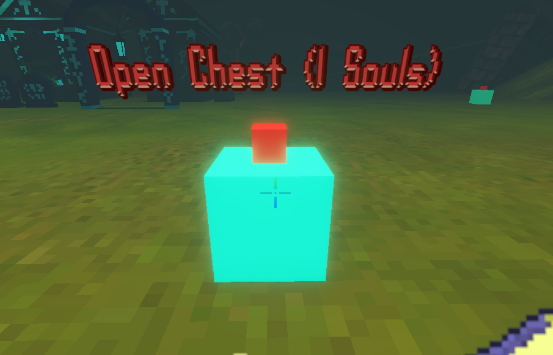
These are just simple chests: you approach them and you can open them to get some loot. They all have a price (souls) associated to them that's required to open. When opening them, they will drop different upgrades for the player with different rarities.
All these is integrated with the rarity system and luck system we have implemented and they also have spatial UI and animations that react to your interactions and changes appearance depending if you have enough souls to open them.
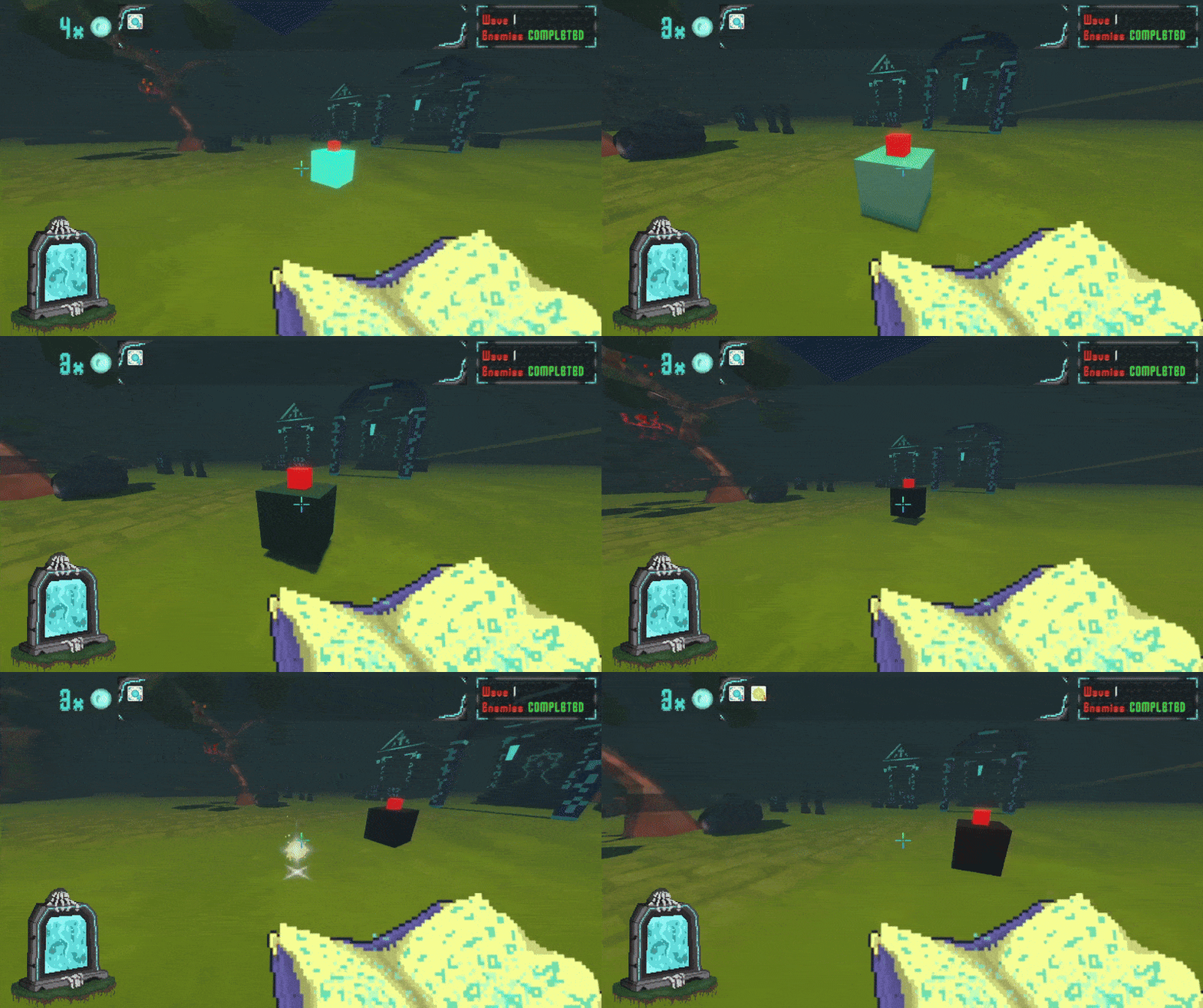
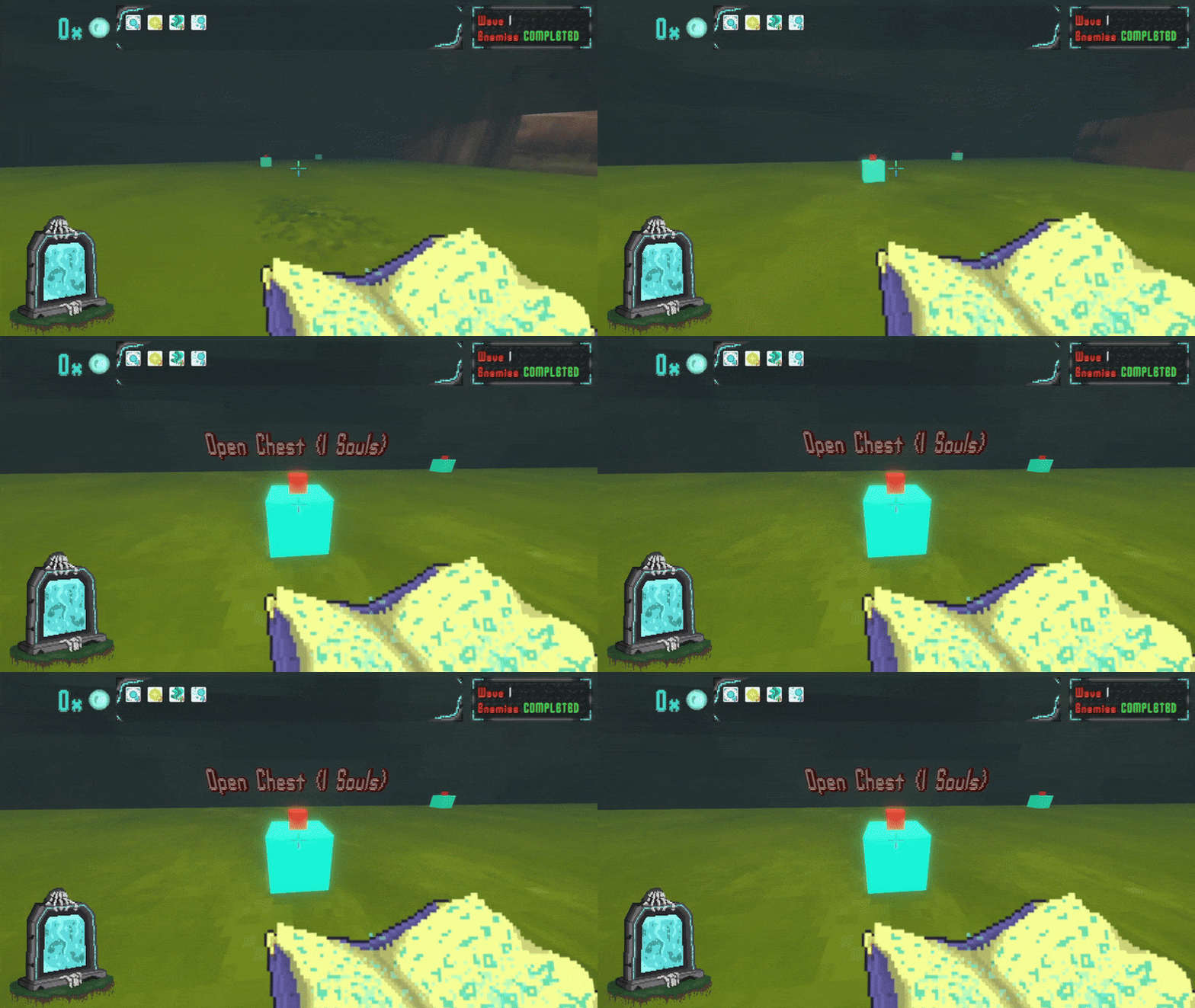
We felt like the player didn't really have any motivation to explore the stage. The only thing that he could do was killing enemies while avoiding their attacks and usually this would lead to the player sticking to just one general place in the stage discouraging any type of exploration.
Chests are just our first implementation/solution of what can be multiple types of interactables and even events around the stage that motivate exploration and we are planning to add more types of interactables.
Loot Rarity VFX
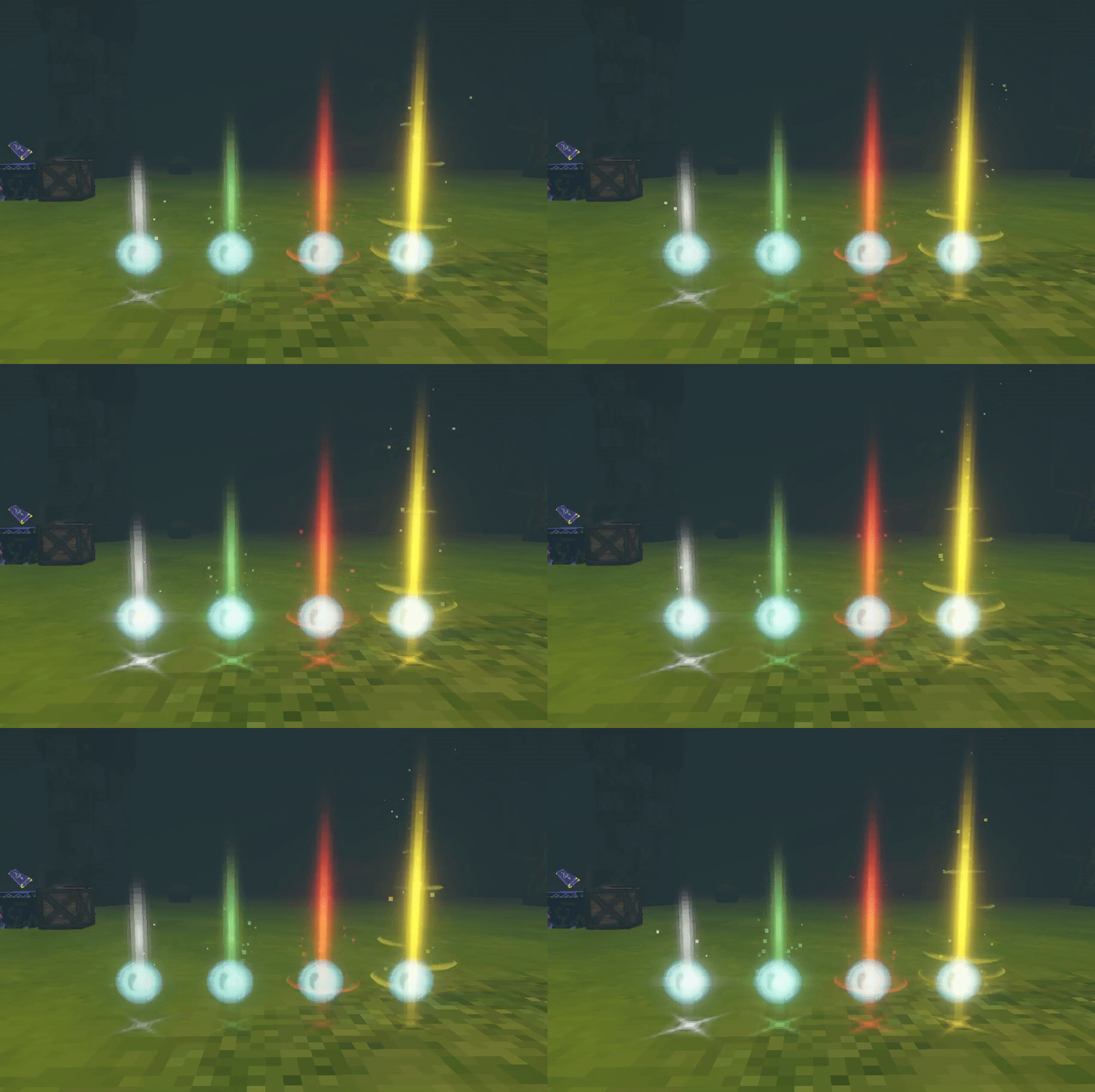
Along with the chests, we have implemented some VFX for the drops. These VFX reflect the rarity of the items, getting increasingly more complex the rarer the items are:
Procedural Interactable Placement
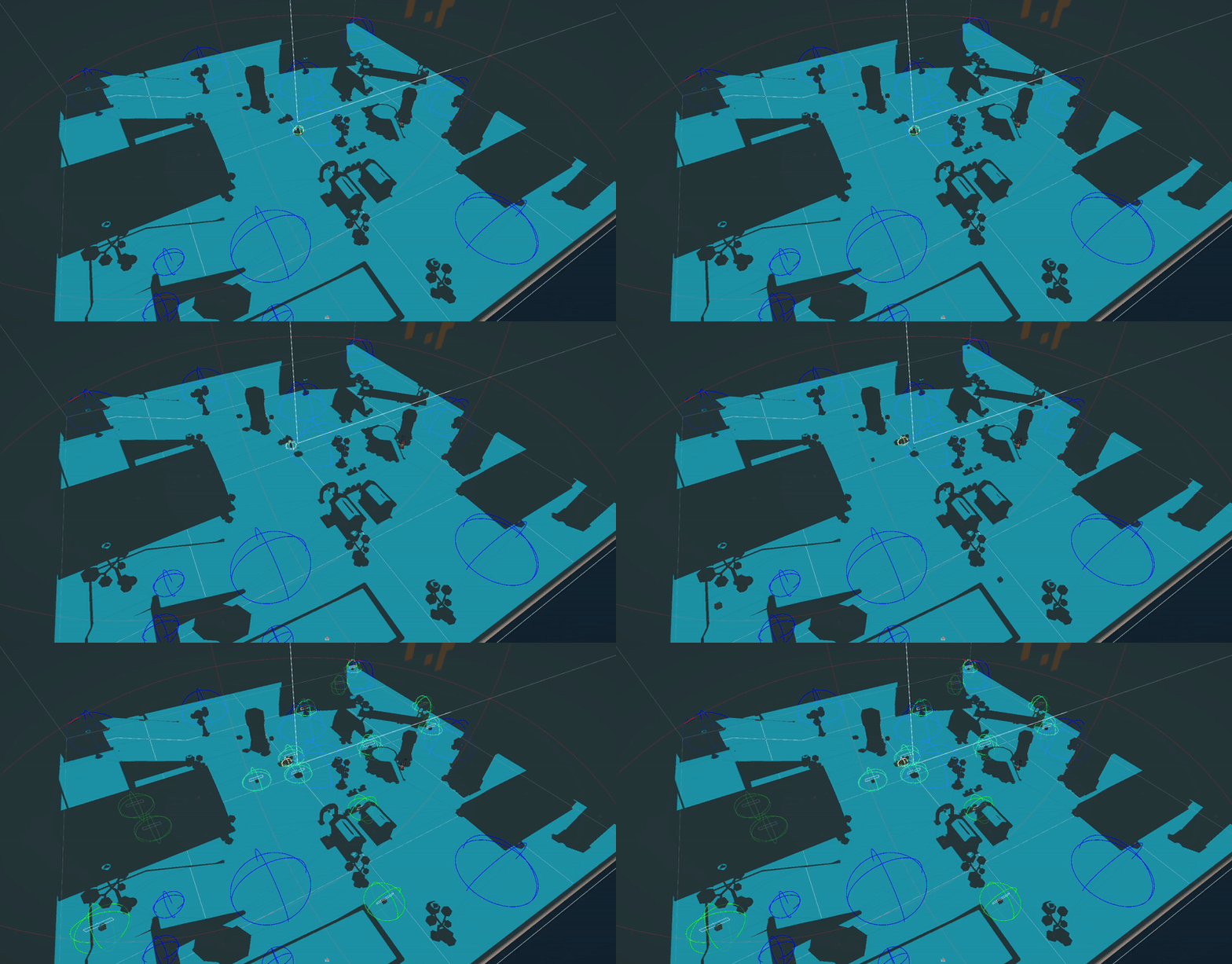
The idea is that interactables like chests are going to be placed at the start of every single wave and for this to work, we decided to implement procedural placement in the stage.
Nerdy Explanation...
The way it works is pretty similar to how we deal with enemy spawning, explained in the last Devlog. Except that, in this case, instead of checking for the player position, we want to spawn them in the whole stages floor independent of the players distance.
However, to avoid chest overlapping or having too many chests cluttered together, each one has a set radius that checks the distance from each other so that they only spawn at a minimum certain distance.
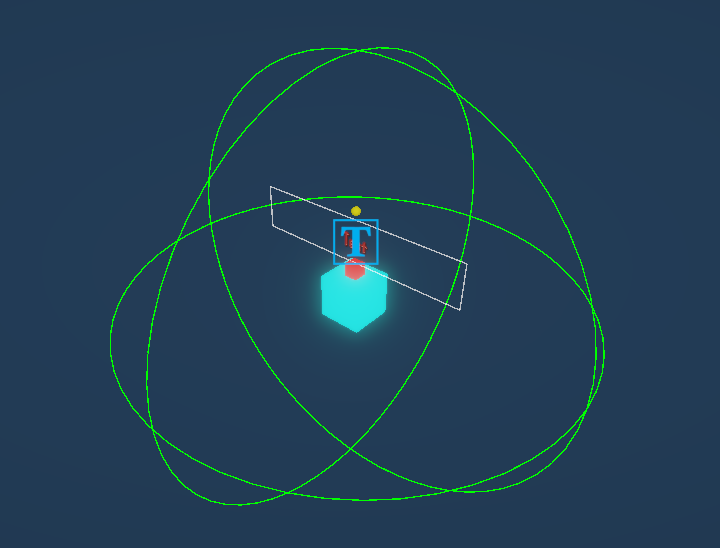
So each chest the game wants to spawn, it first checks its distance to others. If it doesn't find a valid spot, it tries again with another spot until it wastes its maximum number of tries and skips its placement.
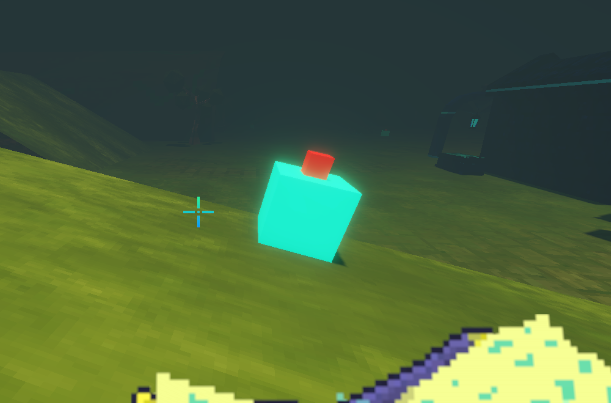
And we also made it so they spawn aligned with the floor so we dont have chests clipping through slopes, for example. How do we deal with this? Glad you asked!
We draw a line from the chest to the floor, and if it detects a floor, it gets its surface normal and then adjusts the chests rotation based on that. And what's a surface normal? Well, it's basically a vector drawn perpendicularly from the surface which results in something like this:
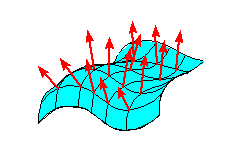
So everytime it detects a floor with, let's say, 45º slope the chest will rotate accordingly to fit on the slope based on its normal!
Inflation
Well... it seems we can't escape inflation... it's even in our game now!
Yes, as if it wasn't enough having inflation in real life, we've added it to our game as well. So everytime the player goes to the next wave the price for the chests also go up.
We made this because the player will also get increasingly more souls per wave and we want to make the chests (and soon other interactions) reflect that as well.
More Souls!
As you may have noticed in our previous devlog, enemies were only spawning one soul at a time. We didn't think this was interesting and to improve on this and add more variety we made it so all the enemies have a random number of souls they can drop on death based on a minimum and maximum value.
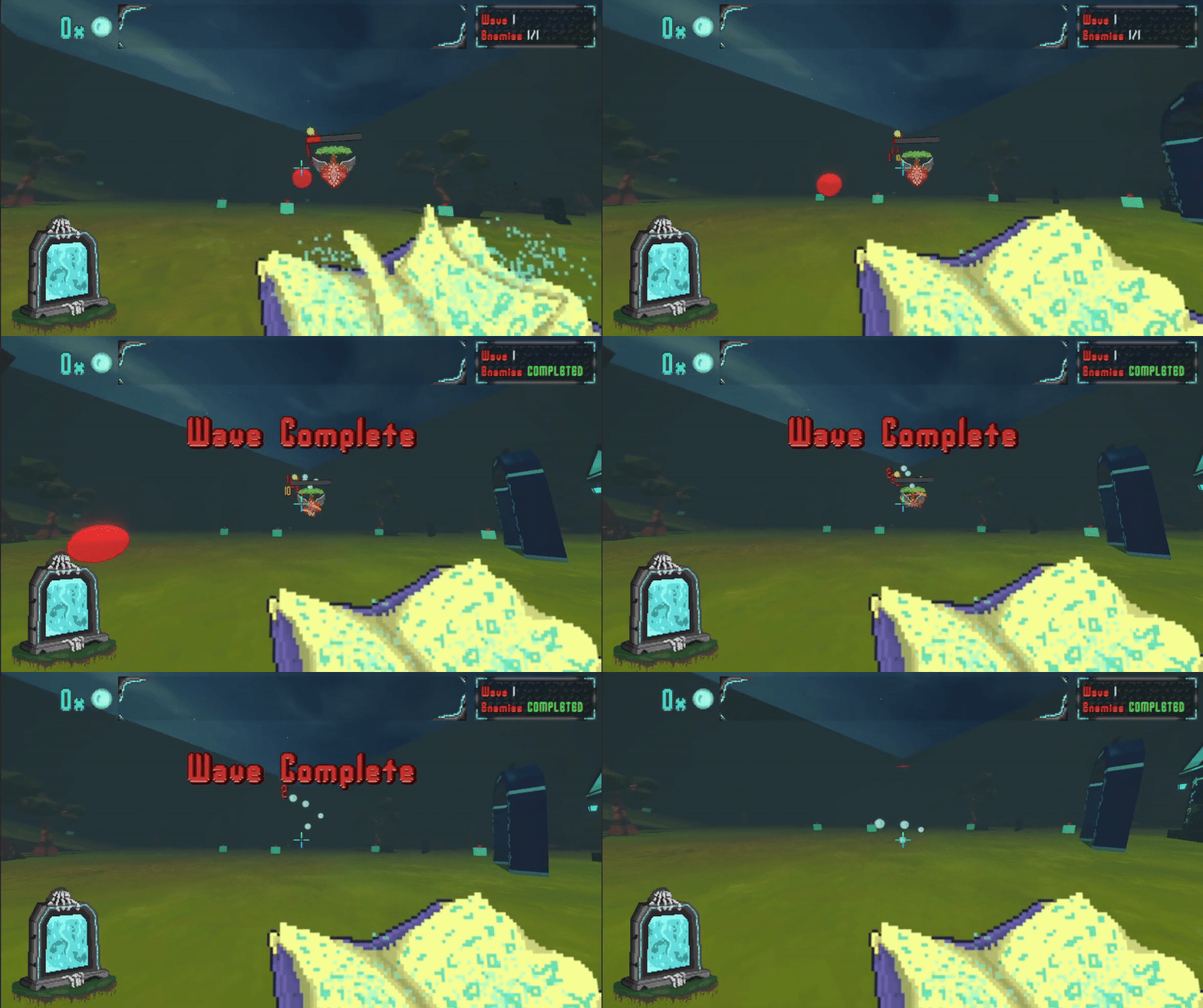
Improved Item Physics
We also have improved loot physics, particularly for souls, so that they stay in place when they fall and don't roll away sometimes (even though I gotta be honest, it was pretty hilarious watching the player run after the souls sometimes).
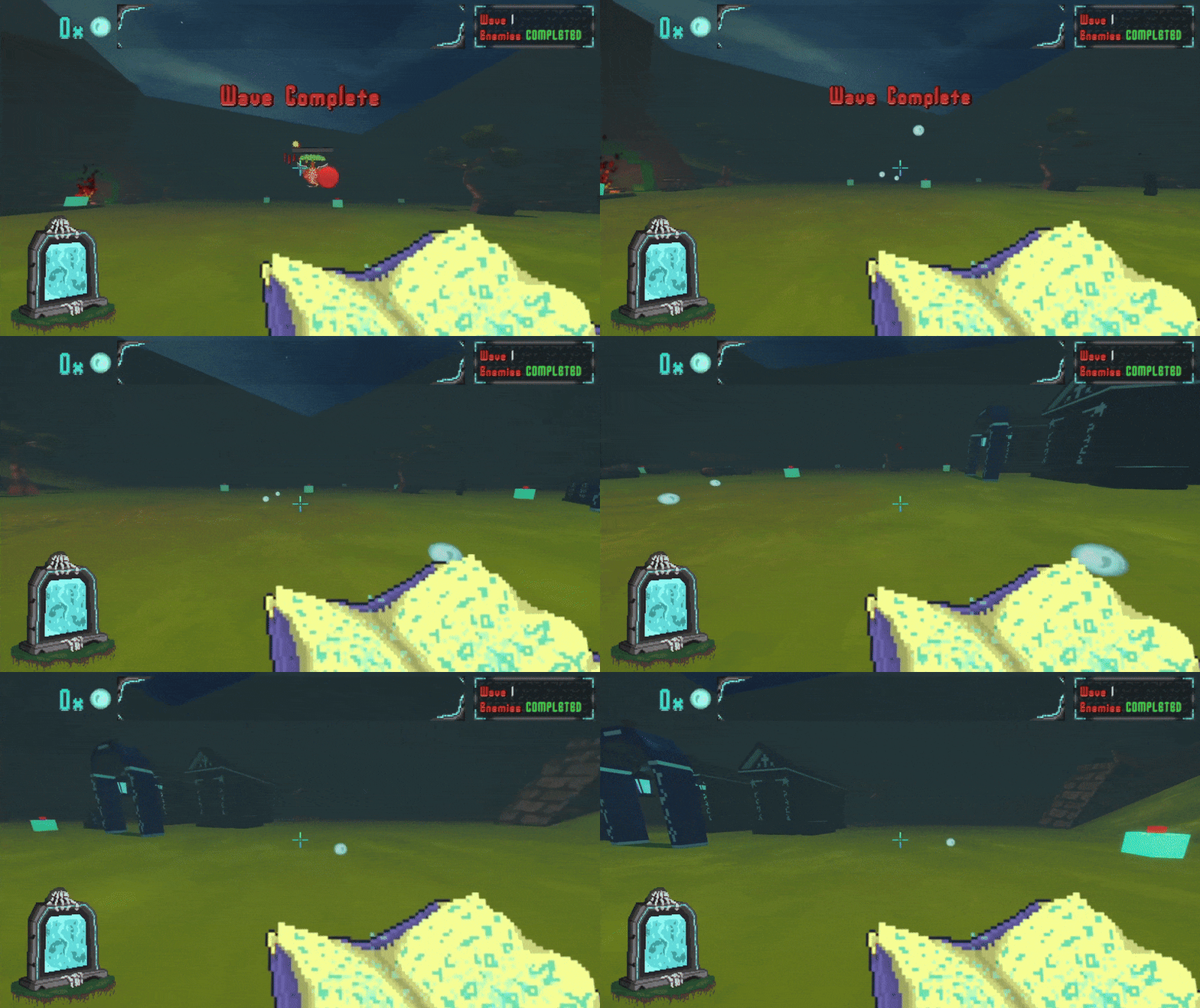
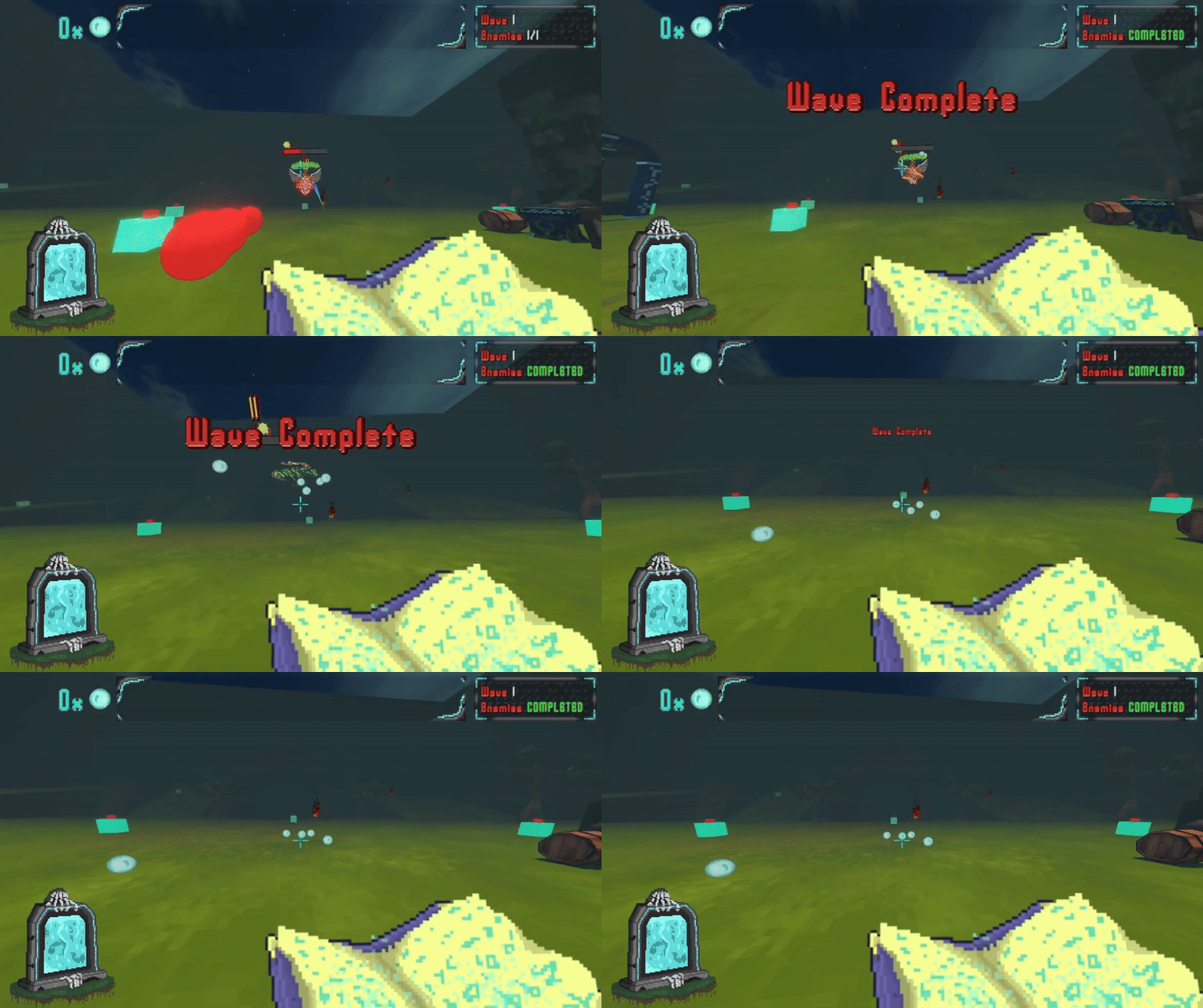
Size Upgrade Adjustment
We felt like the size upgrade was generating more problems than it was actually good for our game as huge projectiles usually wouldn't scale well with the game (pwn not intended).
Usually having really big projectiles would lead them to almost completely obstruct the player's vision as well as making it hard to shoot them as they would instantly hit the floor and get destroyed.
So we reworked the Size Upgrade to only work as an AOE upgrade by just increasing the explosion size instead of the projectiles size as well.
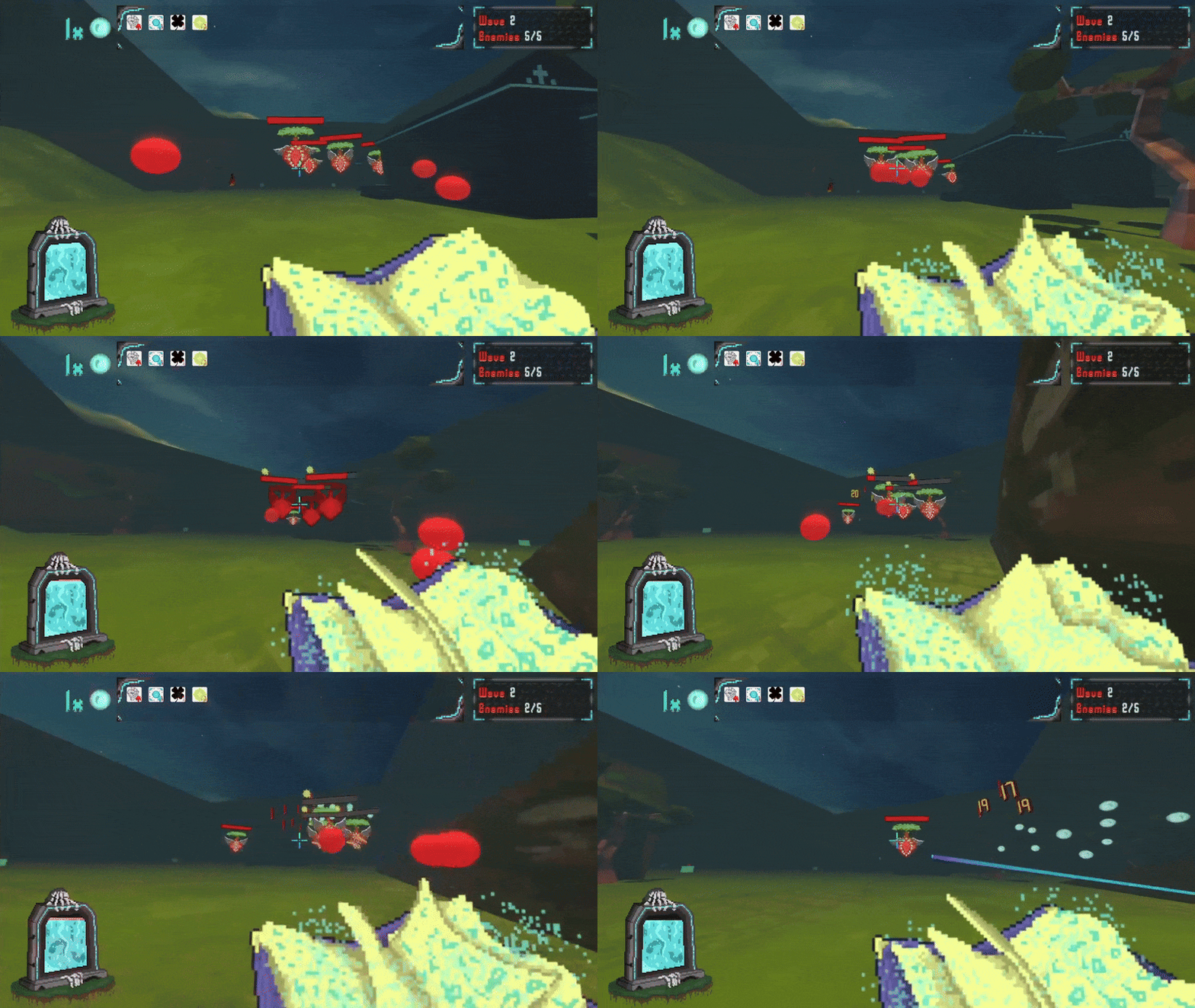
Status Effects
We were planning on adding this for quite a while and we finally are working towards a fully implemented mechanic.
Right now, we have a fully working damage over time system that can be applied on hit to the enemies based on a chance (proc chance). There are currently 2 types of damage over time: Poison and Fire.
They all apply a certain amount of damage every tick and are stackable, dealing more damage the more stacks there are of the same type. The idea is that different damage types will have different settings and behaviors, for example:
- Poison deals 30% of the target's max HP as damage per tick 3 times per second for over 10 seconds;
- Fire deals 10% of the players attack damage per tick 5 times per second for over 3 seconds;
We will also add more rules later on as we add more types of damage but for now, the foundation of the system is working pretty well which will let us go wild with other creative rules and damage types.
Other Small Adjustments
And as always, we have made small adjustments to improve on the player experience:
Adjusted Interactables Colliders
We made small adjustments to the colliders for the player and interactables so the pickup of items is more consistent and forgiving
More and Improved Player Feedback
We've also added and improved visual feedback for certain interactions including:
- An FoV animation whenever the player dashes;
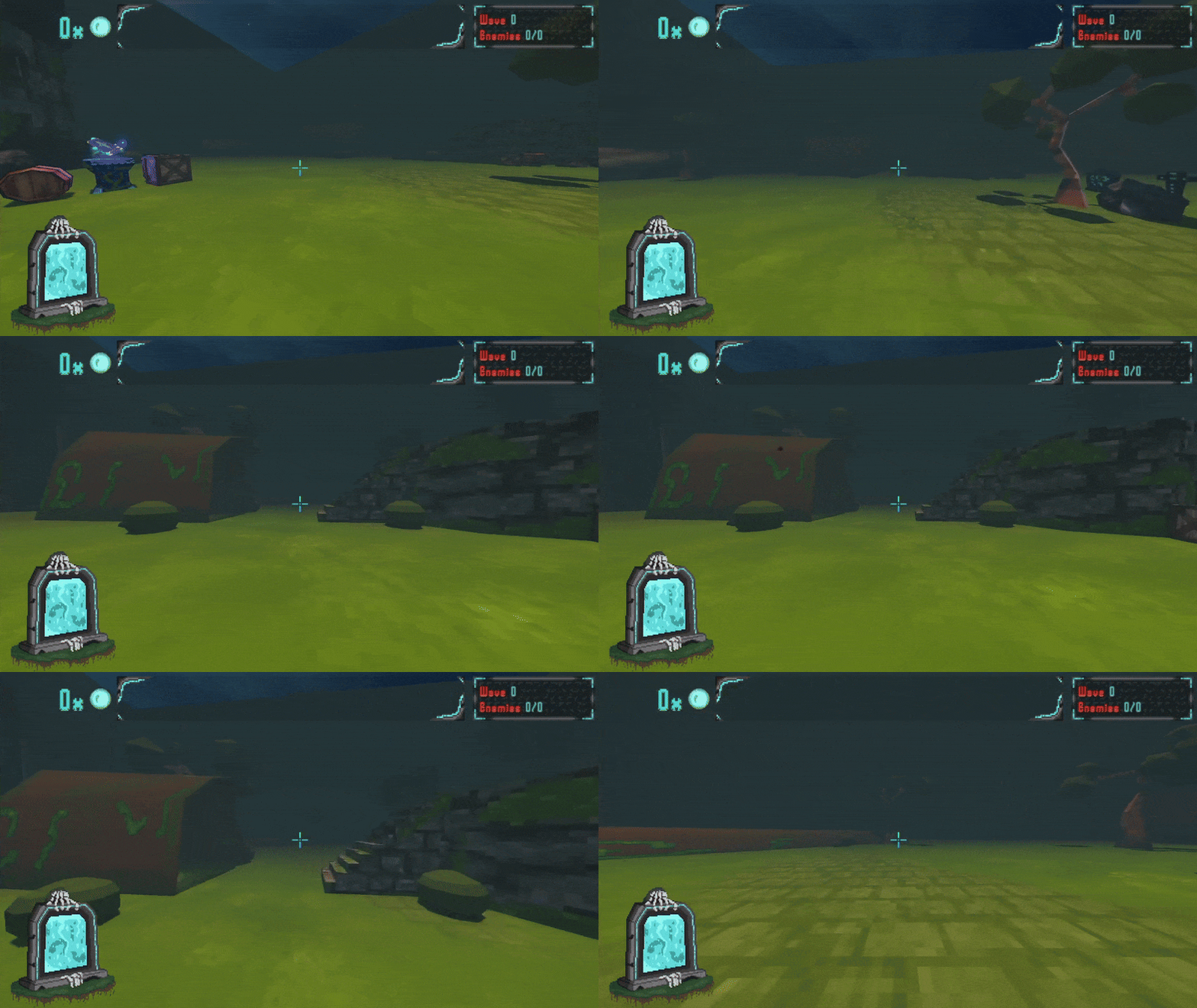
- Added screen flash for picking up items;
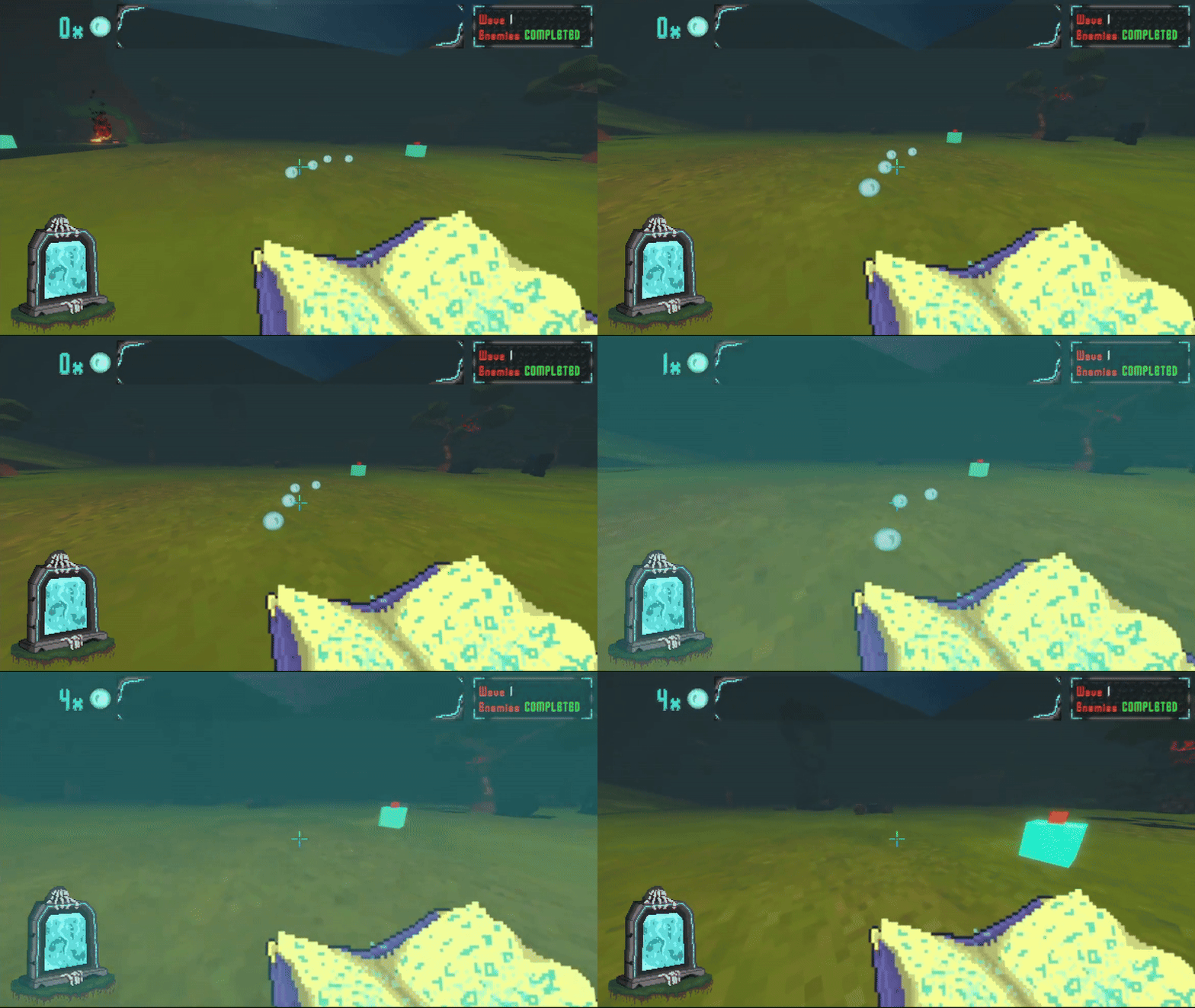
- Now the screen flash is smoother by interpolating between two opacity values instead of blinking;
- Adjusted screen flashing code so it only updates the opacity of the color instead of always creating a new one;
- FoV values now only update whenever the player sets it in the options or when other actions change it (like dashing) instead of updating every frame like before.
And other boring code refactoring and cleaning...
What's Next?
I know we talked about new enemies last time, however our priority was the UI and that took a lot longer than we expected so we couldn't implement the new enemy in the game.
However, we already have some animations ready and we are working towards implementing it as soon as we have finished all of his animations. We won't spoil you again (wait for the next devlog :)) but we can say that you will see this enemy quite frequently in the game!
Other than that, we will continue to listen to feedback, improve the game, add more visual feedback to the UI, finish the remaining elements for it as we still have some placeholders and continue adding more content like stats and damage types.
One of our developers is also trying to figure out the best way possible to build levels for the game and he's currently making the HUB. But as we are mostly inexperienced in level design, we are still learning new techniques and trying to find the best work pipeline possible, so it will take a little bit longer than expected.
However, we made a little sneak peak with some textures and assets we are making for the HUB just to show you how things are going:
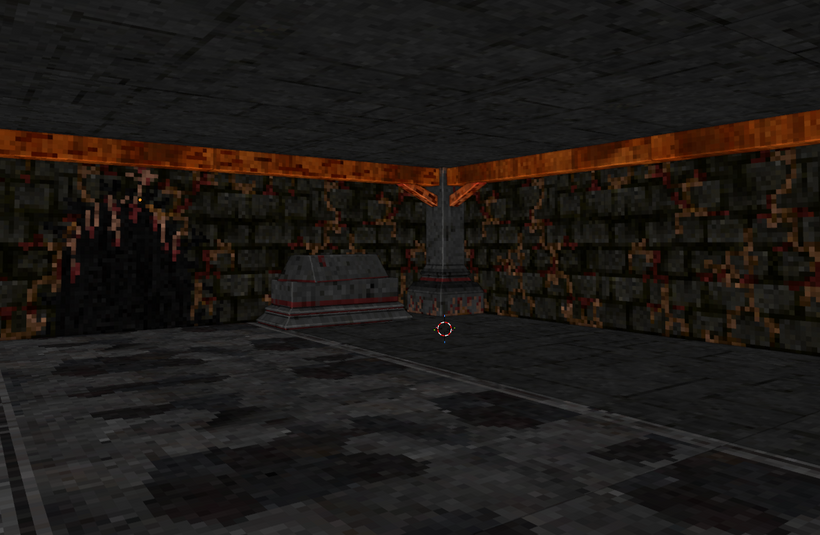
Hopefully, we will have something more detailed to show you in the next devlog regarding this (fingers crossed).
Ending Another 2 Weeks
And that's it for these last 2 weeks! Once again, thank you so much for reading through and for all the feedback and support, we hope you enjoyed this devlog episode and the changes/additions we brought. And a special thank you to our first Patron for supporting this project:
MouzzisZeus
See ya'll in 2 weeks!
Leave a comment
Log in with itch.io to leave a comment.